
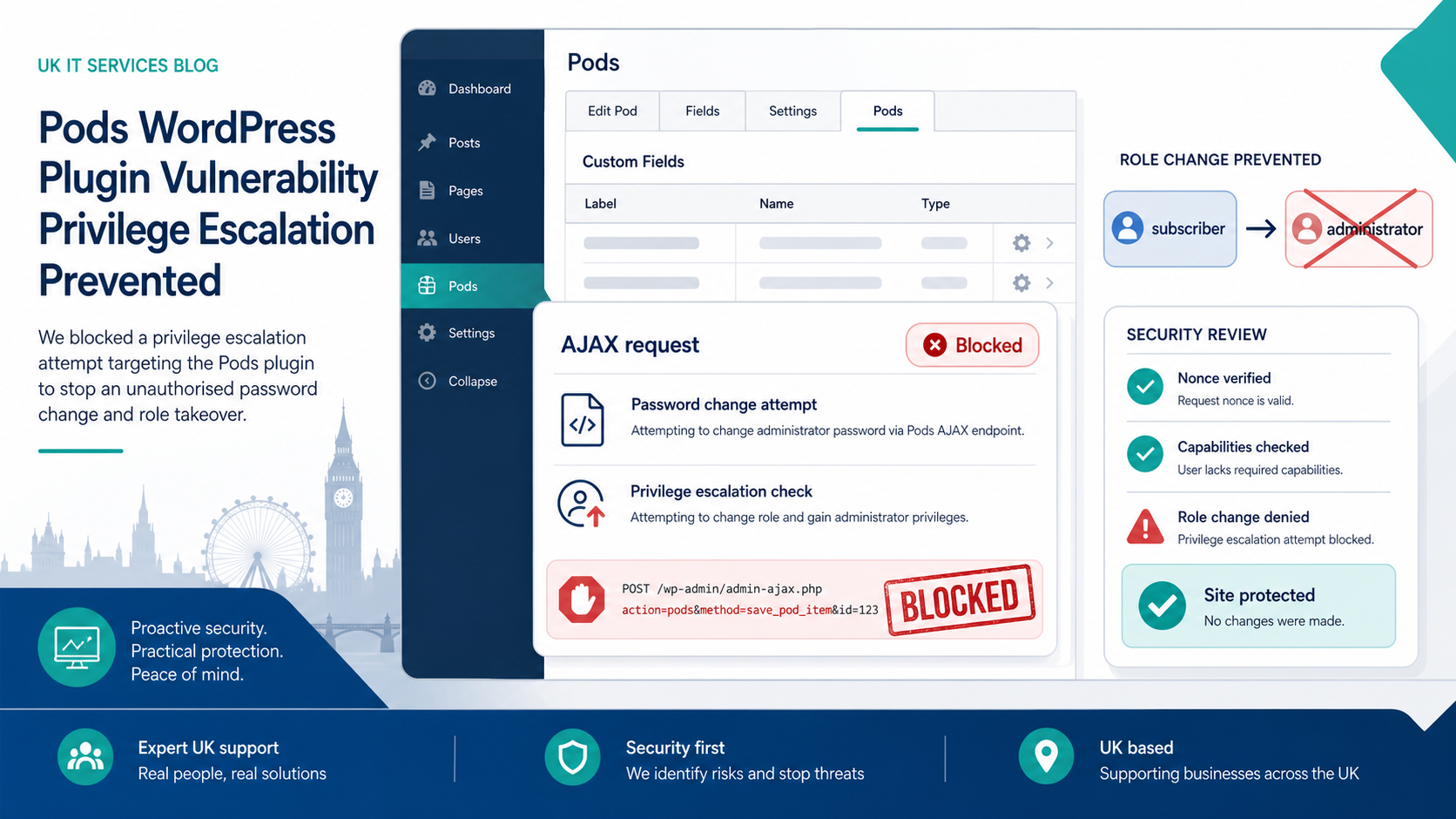
Wordfence reported an unauthenticated privilege escalation flaw in Pods, a WordPress plugin used for custom content types and fields, on 21 August 2026.[1] Wordfence says Pods has more than 100,000 active installations, and the flaw could let an unauthenticated attacker become an administrator or overwrite the password of another account, including the site owner’s account.[1]
That is the kind of bug that turns a normal brochure site into a recovery job. If an attacker gets admin access, they can add users, change content, install plugins, plant backdoors, redirect enquiries, or quietly wait for a better moment.
The good news: this one has a fix. Wordfence says the Pods team released a fully patched version on 14 August 2026, and the latest patched version is 3.3.9.1.[1] The WordPress.org changelog for Pods 3.3.9.1 calls it a major security hardening release and recommends updating as soon as possible.[2]
The slightly less comforting bit is the gap between “a fix exists” and “your live website is safe”. Those are not the same thing.
Why UK small businesses should care
Most smaller businesses do not think of their website as a system with permissions, background requests and admin routes. Fair enough. They think of it as the place people go to check services, send enquiries and decide whether the company looks real.
That is exactly why website admin access matters. A compromised admin account can damage search visibility, customer trust and lead flow before anyone notices. It can also become a route into mail settings, tracking scripts, form submissions, CRM integrations or payment flows, depending on how the site is wired together.
Wordfence’s weekly vulnerability report for 10 to 16 August listed 259 vulnerabilities across 199 WordPress plugins and five themes.[3] Most of those will never make mainstream business news. They still matter to the person whose site happens to run the affected plugin.
What to check now
First, check whether the site uses Pods. If it does, confirm it is on 3.3.9.1 or another backported patched version listed by Wordfence.[1]
Second, review administrator accounts. Look for new users, changed email addresses, weak old accounts, agency logins that should have been removed, and anything with admin rights that nobody recognises.
Third, check recent site activity. The Pods issue involved an AJAX admin route, so look for unusual requests around admin-ajax.php, password changes, new plugin installs and theme file edits if you have logging available.[1]
Fourth, test the recovery route. The NCSC’s small business guidance points businesses towards basic cyber hygiene such as backups, protecting devices and accounts, and spotting scams.[4] For a WordPress site, that means having backups you can actually restore, not just backups that look reassuring in a dashboard.
The boring maintenance is the protection
Plugin updates are only one part of this. A safer WordPress setup also needs sensible permissions, fewer unused plugins, monitored admin accounts, working backups, and a clear patching routine.
That routine should answer simple questions:
- Who checks plugin vulnerabilities?
- How quickly do critical fixes get applied?
- Who verifies the site still works after updates?
- Where are backups kept?
- When was the last restore test?
If nobody owns those answers, the site is running on luck.
BMT’s take
This Pods flaw is not a reason to panic. It is a reason to get the boring bits right.
If your website is on WordPress, especially if it uses custom fields, forms, memberships or client logins, now is a good week to check the plugin list and admin accounts properly. The companies that recover quickly from issues like this are not usually the lucky ones. They are the ones with patching, backups and access control already in place.
BMT can review your WordPress setup, check plugin exposure, tighten admin access and make sure backups are usable before you need them.