Windows 10 EOL – What it Actually Means for Me
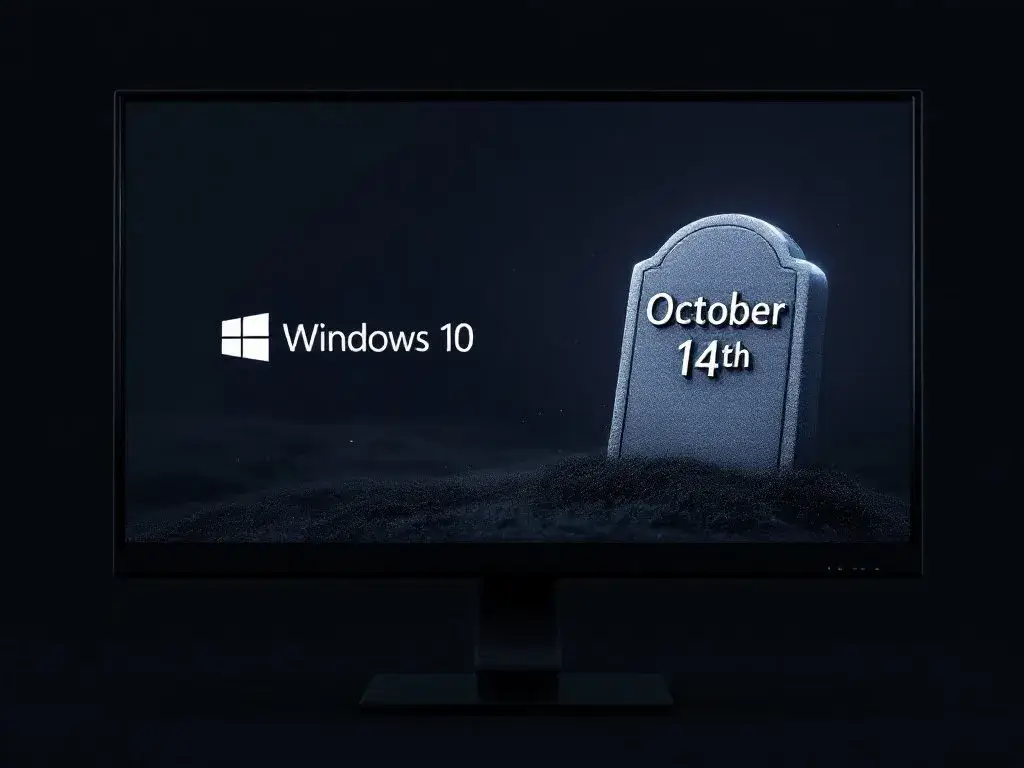
On October 14, 2025, Microsoft is ceasing support for Windows 10 which is used by millions of people across the globe. Learn what this means for you and your business and what changes to expect.
What Happens After October 14, 2025
The end of support does not mean that your computer will shut down the next day. Your Windows 10 system will still work, but you will experience several key changes in the way that you work.
Security Updates End
When a company stops offering security updates and fixes, the system becomes more exposed to attacks. Without these important updates, the security loopholes will not be closed, putting your data at risk.
No Technical Support
Technical support from Microsoft will no longer be available for Windows 10 users. This means that if you get system failures, you will not be able to turn to Microsoft for help to solve the problem.
Performance Degradation
The lack of bug fixes and system enhancements will lead to a slow degradation of the performance and reliability of your system. You may notice more frequent problems that cannot be resolved through updates.
Security Risks
Your computer will be more likely to get hacked as criminals target machines with unpatched software. This risk increases with time as new vulnerabilities are discovered but not patched.
Software Compatibility Issues
You may find that you are unable to use some new software as they are developed for newer operating systems. Some applications may not be compatible or may have limited support.
The Options Available to You
Upgrade to Windows 11
Moving to Windows 11 is the best way to enhance security for users with compatible hardware. This upgrade is free for eligible Windows 10 users and comes with added security features to help keep you protected.
Extended Security Updates
For businesses and organizations, Microsoft offers Extended Security Updates as a way to bridge the gap. This service offers important security fixes at a price, to help secure your systems while you work on your upgrade plan.
Hardware Replacement
If your current hardware is not windows 11 compatible, then you will have to replace your machinery. New devices come with Windows 11 pre-installed and provide long-term support and access to new features while offering better productivity and security.
Practical Steps to Take Now
Check Compatibility
First of all check if your device is compatible with Windows 11. Download and run the Windows PC Health Check app to see if your current hardware meets the standards. It is advisable to spend some time finding out the exact system requirements of Windows 11 and how they compare with your computer.
Backup Your Data
It is crucial to make full backups of your data and settings. Make a list of all the programs that are currently installed on the computer and system settings that you want to import to the new system.
Create a Migration Plan
Establish a step by step plan for the change management process. Set up time lines for the migration, determine the necessary budget for possible hardware or software changes and ensure that your critical applications are compatible.
Business Impact
Infrastructure Assessment
Companies that are using Windows 10 need to identify all of the Windows 10 devices and their exact specifications.
Upgrade Strategy
It is important to have a clear upgrade strategy in place in order to cause the least amount of business disruption. This should include the training of employees to work on the new systems and the verification of all the business processes to ensure that they will be compatible.
Security Considerations
Security risks need to be evaluated thoroughly, especially for businesses that deal with sensitive information. Planning should also involve strengthening of the security measures during the transition.
Financial Planning
All the costs that are likely to be incurred in the upgrade should be included in the financial plan. These include the costs of possible hardware replacements, software updates and staff training.
The Reality
The demise of Windows 10 support is a natural progression in technology. Although change is always a process that is accompanied by some challenges, it also offers an opportunity to enhance the security of your digital assets and the efficiency of your computing infrastructure.
Need Help?
If you require some advice on how best to approach your Windows 10 migration, or if you require tailored solutions for your business, our team of IT professionals can help to develop a effective transition plan for your organization.
If you want to know more about your Windows migration strategy, feel free to contact our technical team to help you through this transition and make sure your business is secure and productive.