
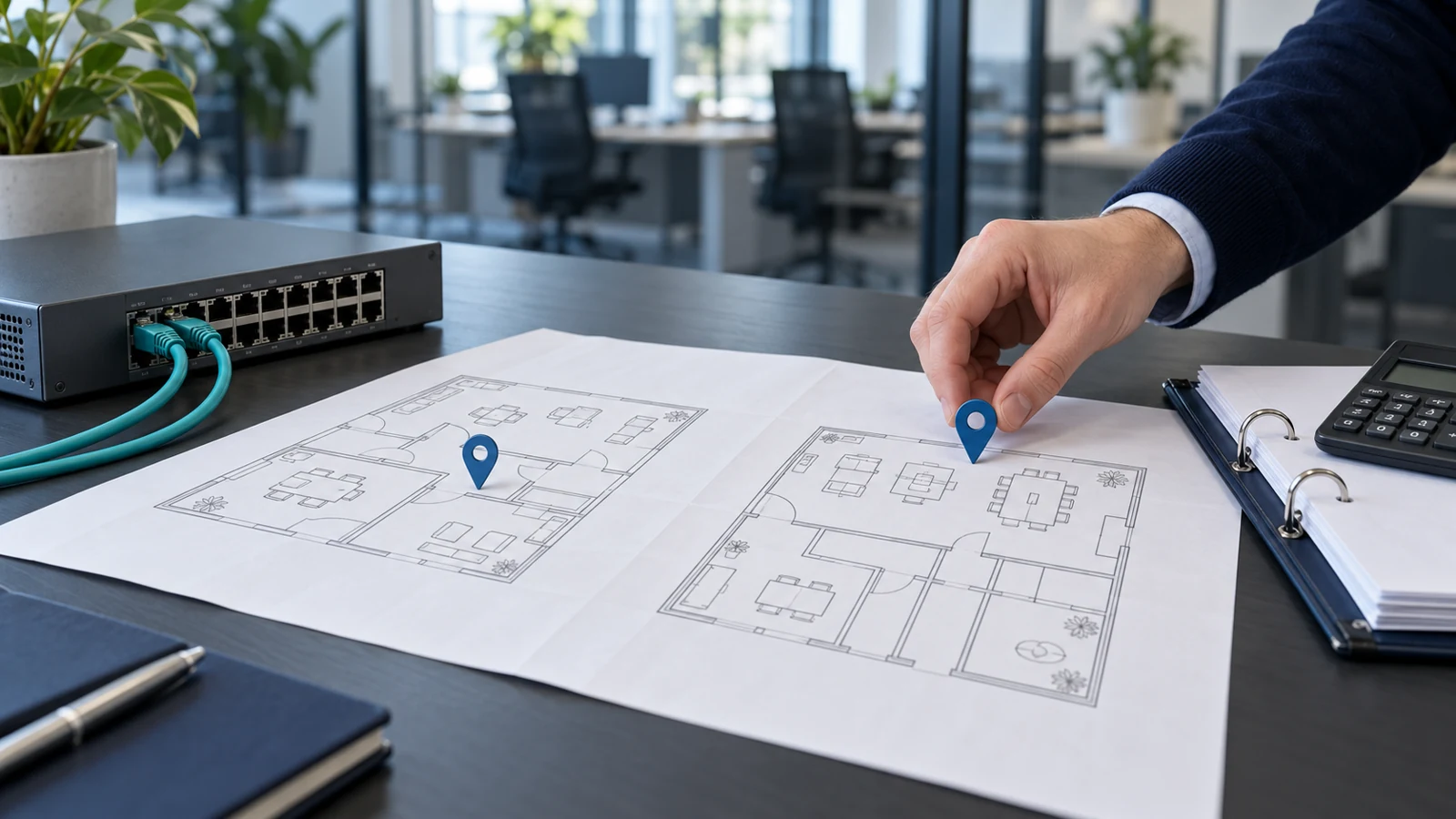
To budget IT support across several offices, split the proposal into a shared business-wide service and the work attached to each location. Ask for separate figures for supported equipment, connectivity, site visits and initial setup. Do not multiply your current invoice by the number of offices and assume that gives a useful answer.
Start with a monthly view, then keep opening costs and planned projects outside it. BMT’s cost calculator is indicative: final pricing depends on onboarding, contract term and exact requirements.[2] For a second office, use the estimate as a starting point for a site-by-site discussion, not as confirmation that every branch requirement is covered.
Separate shared services from local equipment
Make one business-wide record for your staff, subscriptions and central systems. Alongside it, create a short equipment and service record for each office. Ask the provider to mark every quoted item as shared, location-specific or dependent on usage. Have them explain any minimum charge for an additional site before you approve it.
For example, put a central helpdesk agreement in the shared column if that is how the supplier proposes to bill it. List each office’s router, switches, access points and local computers against that office. Ask whether network management sits within the main agreement or attracts a separate charge. Keep unclear items visible rather than assigning them a price yourself.
Count travelling staff without losing their devices
Identify people who work at more than one location. Record the person once in your staff inventory, then list the computers they use and where those computers normally stay. Ask the supplier how its particular charging model handles a travelling director, shared reception computer or spare laptop. A staff count alone does not describe those arrangements.
Do not assume someone needs a second Microsoft 365 Apps subscription simply because they visit another branch. Microsoft documents user-based licensing as the default mode, while also describing separate approaches for shared computers.[1] Ask your administrator to review the actual licence and device setup. Keep that review separate from deciding how much IT support those devices need.
Give each office its own connectivity budget
For every location, request a breakdown of the main connection, any backup connection and the equipment needed to manage them. Ask who pays each bill and who takes ownership of a fault. If the landlord supplies connectivity, request the service details and support arrangements before the IT provider finalises its proposal.
Describe the work that must continue if that office loses internet. Ask for a priced option covering that requirement and a demonstration of the proposed fallback. Keep optional improvements clearly labelled. Do not authorise a new connection because it appears in a standard branch package without checking the premises and the business need.
Price visits around real access arrangements
Ask what an on-site visit includes at each address. Request written answers about travel, minimum attendance charges, parking and work outside normal hours. Specify whether an engineer can enter the building independently or needs a named member of staff present. Include restricted rooms and any appointment requirements in the service brief.
Use an ordinary scenario to check the proposal: a branch computer fails just before opening. Ask who diagnoses it, who authorises a visit and what happens while staff wait. Request separate explanations of response and attendance targets. Decide whether keeping an agreed spare locally is worth pricing, rather than assuming another office’s equipment will always be available.
Keep opening costs out of the steady monthly total
Request a separate opening-work schedule for the new premises. Have the supplier identify cabling, installation, equipment configuration and documentation that must happen before staff move in. Ask which dependencies belong to your landlord, electrician or broadband supplier, and who checks that each one is ready.
Build a second view for the period when old and new premises overlap. Ask when support billing starts at the new address and stops at the old one. Record any installation deposits, temporary connections and equipment that needs moving. Agree who can approve extra work if the opening date changes, and request an updated total before committing to it.
Take a site schedule to your next review
Prepare a single page per office with its opening hours, supported equipment, critical applications and access contact. Add the shared-service summary and the proposed opening-work schedule. Ask the provider to return a budget that clearly distinguishes the steady monthly service from one-off work, with assumptions and unresolved questions beside the relevant location.
Use BMT’s IT support cost calculator for an initial estimate, then contact us with your site schedule. Our calculator input guide covers preparing the people and device counts. This site-by-site view adds the premises, connectivity and attendance questions needed before agreeing support across several offices.
Sources
[1] Microsoft: licensing and activation in Microsoft 365 Apps
[2] BMT: IT support cost calculator