
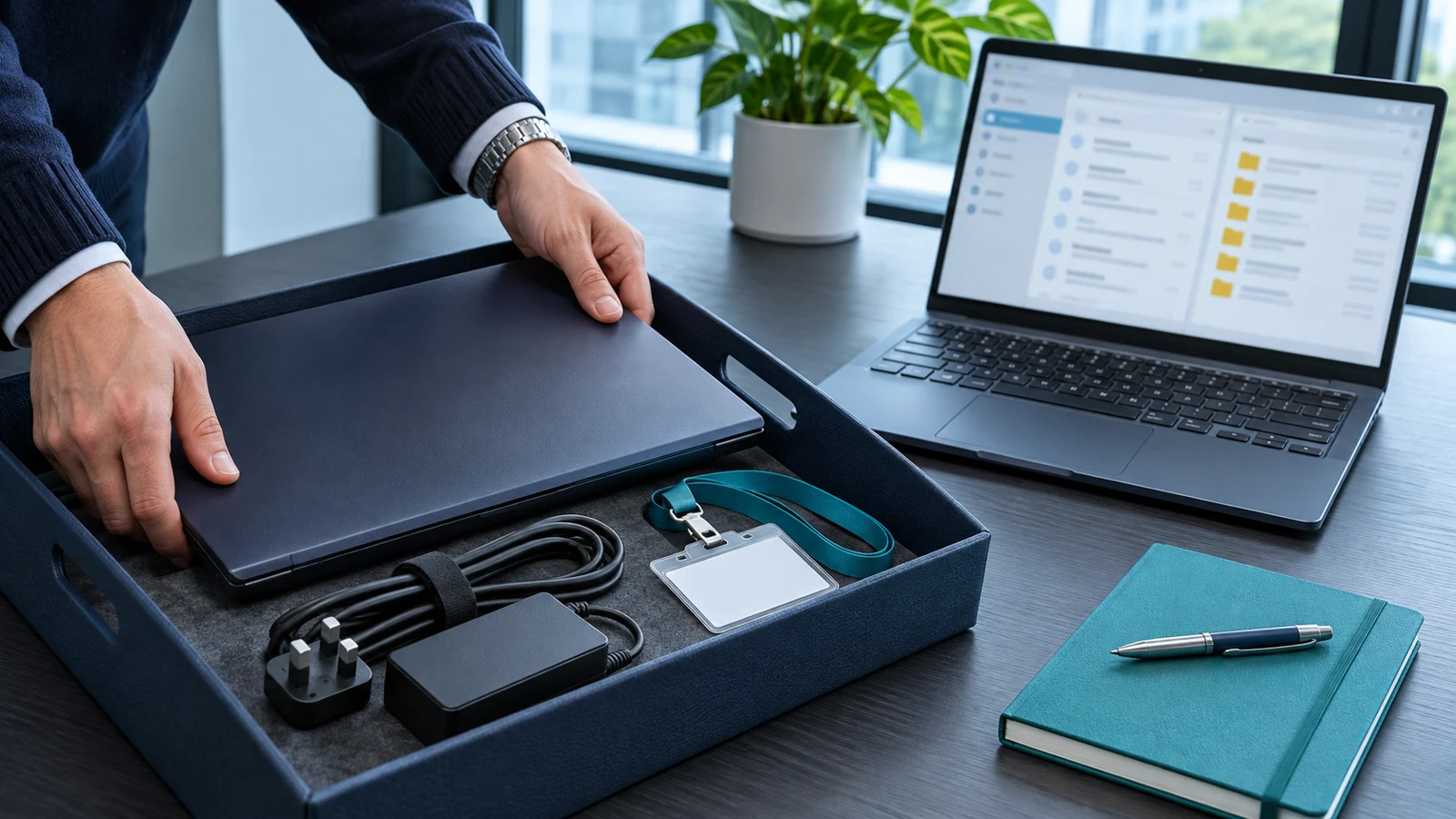
Before removing a departing employee’s Microsoft 365 licence, agree what happens to their email and business files, who takes responsibility and how their access will be stopped. Microsoft’s leaver guidance treats blocking access, preserving information and removing the licence as separate steps.[1] Give your administrator an approved handover instruction rather than a request to “delete everything”.
Start with the employee’s leaving date and the manager who owns the decision. Confirm which information colleagues still need and who may receive it. This guide covers the individual leaver’s handover; our licence renewal review covers wider subscription quantities and purchasing decisions. Keep both decisions recorded, but do not let a proposed saving drive an unapproved deletion.
Agree the access cut-off separately
Ask the manager and IT administrator to agree when access must end, including any planned handover period. Microsoft’s process begins with preventing the former employee from signing in to Microsoft 365 services.[1] Request confirmation that the administrator has completed the appropriate access controls, rather than assuming that removing a paid product is the whole security task.
Include returned equipment in the same conversation. Record who will collect the laptop, phone and accessories, and who will check the agreed device actions. Keep instructions for personal devices distinct from company-owned equipment. Ask the administrator to explain the proposed action before approving it, especially where somebody’s own files could be affected.
Decide what colleagues need from the mailbox
Ask whether the business needs historical correspondence, future incoming messages or both. Microsoft distinguishes forwarding, which sends new messages onwards, from conversion to a shared mailbox, which retains existing email and calendar information.[3] Have the manager name the authorised recipients and the business reason for access, rather than copying the whole team into the handover.
Do not assume that conversion automatically makes every mailbox unlicensed. Ask the administrator to check size and any features that affect licensing before removing the existing assignment. Our shared-mailbox licensing guide covers that narrower decision. Agree who will review access later, particularly when the person covering the role moves on or the address stops being useful.
Move essential files to an agreed home
Ask the departing employee’s manager to identify working documents that need a new owner. Microsoft’s instructions for preserving OneDrive files involve gaining authorised access and moving the files you want to keep.[4] Name the destination and the person responsible for checking it. Avoid an instruction as vague as “save their OneDrive somewhere”.
Have a colleague open representative files from that destination using their own account. Check the material needed for current customer work, not just that a folder exists. Microsoft notes that moving or copying documents through its described process transfers only the latest version where version history exists.[4] If previous versions matter, ask the administrator how those will be preserved before approving the move.
Pause deletion where obligations are unclear
Ask the information owner to confirm whether any retention requirement, investigation or existing hold affects the account. Microsoft’s overview identifies legal holds as a separate capability for preserving departing employees’ information.[1] Keep decisions about what must be retained with the responsible business lead and the relevant advisers. Do not ask a general support technician to invent a retention period.
Keep account deletion separate from licence removal in the written instruction. Microsoft specifically warns against deleting an account that anchors email forwarding or a converted shared mailbox.[6] Ask the administrator to record why an account remains and which controls apply. A retained account should have an understood purpose, not remain active because nobody finished the ticket.
Confirm what happens to the paid subscription
Microsoft separates unassigning a licence from reducing the number purchased, and says an available licence can be reassigned to another user.[5] Ask whether the released seat is intended for an approved replacement starter. Mark that decision in the licence inventory so it does not become an unexplained spare at the next review.
If the business wants to reduce its bill, request the effective date and revised quantity from the supplier. Do not treat a changed user assignment as evidence that the invoice will fall immediately. Keep the purchasing instruction with whoever owns the contract, and record the supplier’s confirmation alongside the completed technical handover.
Close the handover with evidence
Before closing the leaver request, have the manager confirm that the agreed mailbox access works and essential files are available to the right people. Ask IT to confirm the access cut-off, equipment actions and final licence position. Record unresolved items with an owner rather than marking the whole process complete because one administrator screen changed.
Bring your current leaver instructions to a Microsoft 365 support review with BMT. Start with one practical question: could another manager follow them without guessing what to keep, who can access it or who approves deletion? Correct those gaps before the next departure.
Sources
[1] Microsoft: remove a former employee
[3] Microsoft: forward email or convert to a shared mailbox
[4] Microsoft: give access to OneDrive and Outlook data