
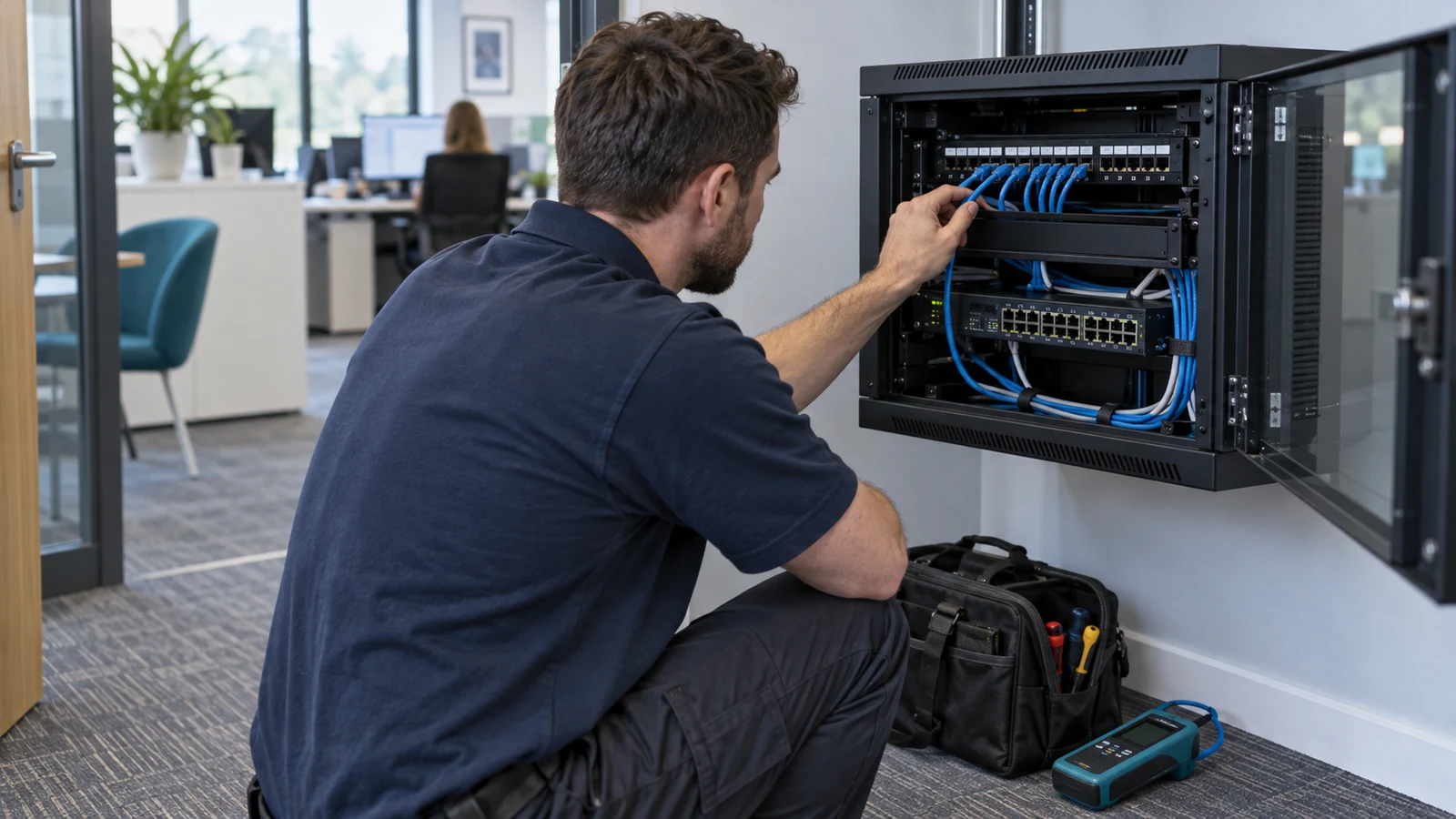
If your business is looking for IT support in Rochdale, choose a service that can troubleshoot remotely and arrange physical attendance when the fault needs it. An engineer does not need to visit for every software problem. But a failed network switch, damaged connection or computer that will not power on needs a plan beyond another remote session.
Agree that plan before signing. Ask who decides a visit is necessary, how an engineer is dispatched and what staff can do while they wait. A nearby address is useful, but it does not tell you whether someone is available or whether travel and replacement equipment are included.
Start with what has stopped working
When reporting a fault, explain its effect on the business. Say whether one person cannot work, a whole room is offline or every site has lost access to an essential system. Include when it started and anything that changed just beforehand. Those details give the support team a better starting point than “the computers are broken”.
Ask your provider to show how it would handle a familiar incident. For example, everyone in your office loses internet shortly before a customer deadline. Who checks the connection, who contacts the broadband supplier and when does the investigation become a site visit? Request a clear explanation of the decisions, rather than a promise that someone will sort it out.
Use remote help where it can reach the problem
Discuss which problems the provider expects to investigate remotely, such as application errors or account access. Ask how staff start a session and verify the person helping them. The approved process should be easy to find, especially for a new starter who has never contacted the helpdesk.
Microsoft’s Quick Assist guidance says a remote helper can see your screen and, with permission, control your PC, so you should only use it with people you trust.[1] Your supplier might use a different platform; ask it to explain permissions and how a session ends. Close unrelated confidential material before sharing your screen, and verify unexpected requests through your usual support contact.
Know when someone must attend
Ask what happens when remote access is unavailable or the investigation identifies a physical fault. Use concrete examples: a machine with no power, a damaged network socket or equipment that needs replacing. Establish who can authorise attendance and how the provider handles a problem that remains unresolved after the first visit.
Do not let the plan depend on an office manager repeatedly unplugging cables they cannot identify. Agree which simple checks staff can safely perform and where they should stop. Label important equipment and keep cabinet access arrangements documented. If a landlord controls the communications room, include its contact and access rules in the plan.
Separate a response from an arrival time
Request separate explanations of ticket acknowledgement, technical investigation and engineer attendance. Ask when each target applies and how priority affects dispatch. A remote response target is not automatically a promise that an engineer will reach your Rochdale premises within the same period.
Discuss working hours and locations explicitly. A visit during office hours, attendance on a Saturday and a planned move to another building are different requirements. Ask about travel charges, minimum visit charges and any approval needed before billable work starts. Keep the agreed arrangements with the support details rather than relying on a sales conversation.
Plan what staff do while they wait
Pick an essential task and work through an outage scenario. Could a colleague use an approved spare laptop, move to another workspace or work from home? Ask the provider to check the proposed fallback against the applications and information that task requires. Do not assume a phone hotspot is an agreed substitute for the office connection.
Include equipment replacement in the discussion. Find out who checks warranties, orders parts and configures a replacement device. If you need a spare, agree who maintains and tests it. After an incident, ask for a short record of the cause, the fix and any follow-up work so the next review addresses what actually happened.
Bring one real scenario to the conversation
Before requesting support, note your premises, working hours, essential applications and the last fault that interrupted work. Use that fault to test the proposed remote and on-site arrangements. Ask for the answers in writing, including any exclusions or responsibilities that remain with your business.
BMT’s IT support in Rochdale page is a starting point for discussing local cover. Send us your location and support requirements so we can discuss what needs remote help, what needs attendance and what should happen while an engineer is on the way.
Sources
[1] https://support.microsoft.com/en-us/windows/apps/solve-pc-problems-remotely-using-quick-assist: Microsoft Support: Quick Assist