
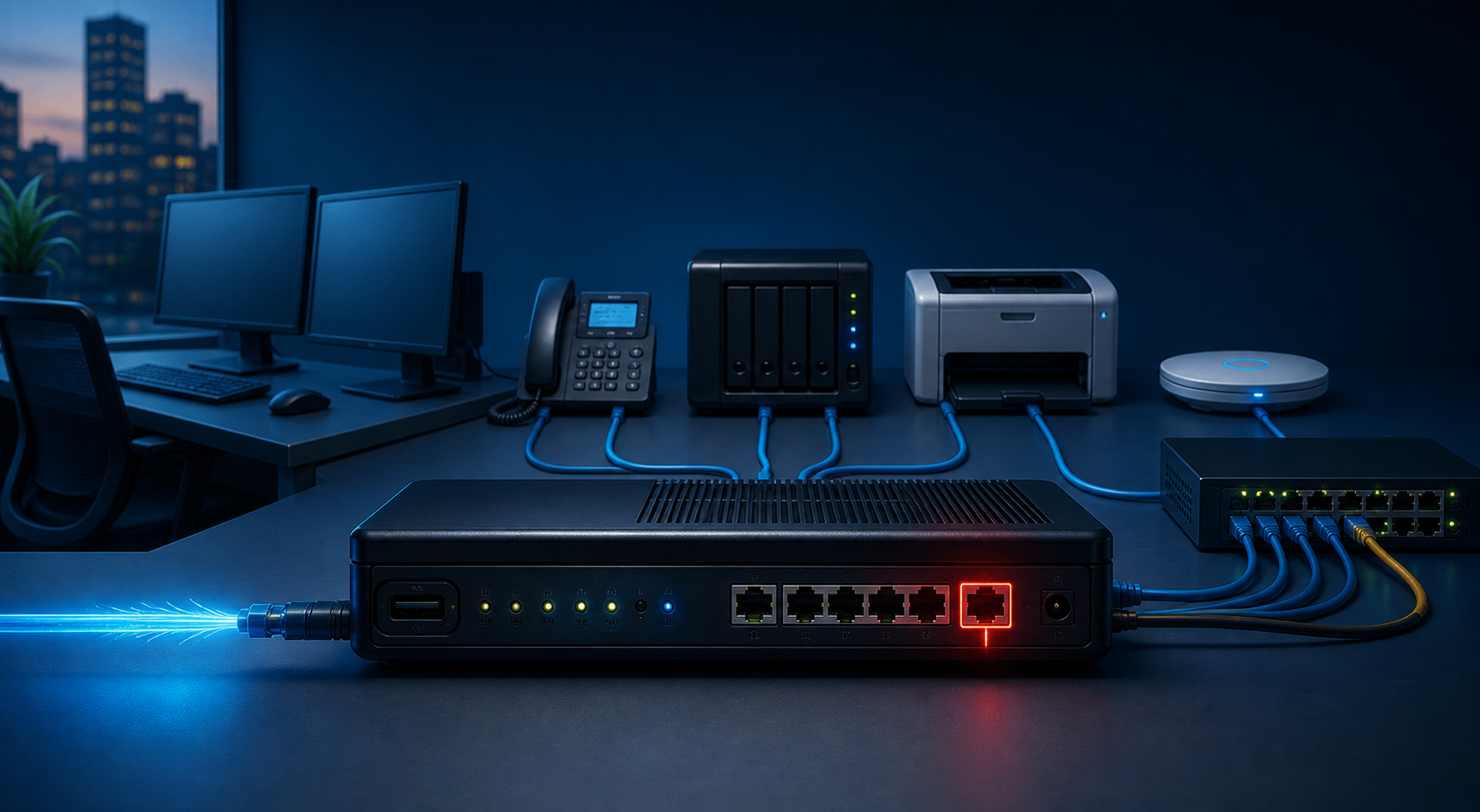
The short version: if your firewall, router, VPN appliance, remote access box, CCTV recorder or industrial controller can be reached from the public internet, it needs checking now. The NCSC warned on 27 August 2026 that disruptive cyber activity is still targeting internet-exposed systems and edge devices, and that the pattern affects all sectors, not just operational technology environments.[1]
For a small business, this does not mean panic. It means someone should know exactly which devices are reachable from outside the office, why they are reachable, who manages them, and whether they are still supported.
What counts as an edge device?
An edge device is the kit sitting between your business and the outside world. In a normal SME setup that might be a firewall, router, VPN gateway, remote access appliance, wireless controller, NAS, CCTV recorder, VoIP controller or building system gateway.
These boxes are easy to forget because they do not look like servers. They sit in a cabinet, work quietly for years, then become a problem when admin access is left open or the vendor stops releasing updates.
The NCSC specifically calls out the need to maintain visibility of internet-exposed assets and edge network devices, apply vendor updates promptly, retire end-of-life equipment, disable insecure management protocols such as SNMP v1, SNMP v2 and Telnet, and monitor for unexpected configuration changes or outbound connections.[1]
The practical check most SMEs should run
Start with a simple inventory. List every public IP address, firewall, router, VPN service, remote desktop route, remote management portal and third party support tunnel. If nobody can produce that list, that is the first finding.
Then check four things.
1. Public management access. Admin panels should not be open to the whole internet. If remote admin is needed, restrict it by VPN, trusted IP address, conditional access or a properly managed remote support tool.
2. Credentials and MFA. Default passwords and shared admin logins should be gone. The NCSC advice includes replacing default credentials, using unique admin accounts and enabling MFA wherever the device supports it.[1]
3. Patch and support status. Edge devices should be within vendor support and routinely updated. If a device is end of life, plan the replacement before it becomes the emergency.[1]
4. Logging. A firewall that keeps no useful logs is hard to investigate after the fact. You want to know when settings changed, when a new admin login happened, and when traffic started going somewhere odd.
This is not glamorous work. It is the cabinet-and-spreadsheet side of cyber security. It is also where a lot of preventable incidents start.
Where Cyber Essentials fits
Cyber Essentials is a good baseline for this because it focuses on five practical controls: firewalls, secure configuration, security update management, user access control and malware protection.[3]
It will not magically secure every awkward legacy system, but it forces useful questions. Is there a firewall between the internet and the business network? Are devices configured securely? Are updates managed? Who has admin access? Those questions are much better asked on a quiet Monday morning than during an outage.
The NCSC describes Cyber Essentials as the minimum cyber security standard recommended by government for organisations of all sizes.[3] For SMEs, I like it because it turns vague cyber worries into a checklist people can actually work through.
What we would check for you
For a BMT customer, the first pass would usually be:
- external exposure scan for known business IPs and domains
- firewall and VPN configuration review
- firmware and support status check on routers, access points and security appliances
- admin account and MFA review
- backup of current firewall configuration before changes
- replacement plan for unsupported kit
If you have remote access, CCTV, VoIP, Wi-Fi management or building control systems in the mix, include those too. They are often installed by different suppliers, which is exactly why they get missed.
When to act quickly
Act quickly if you find a device with public admin access, default credentials, no MFA, old firmware, Telnet or old SNMP enabled, or a vendor support date that has already passed. The NCSC guidance for small organisations also points businesses towards practical basics such as protecting devices and accounts, backing up data and spotting cyber attacks.[2]
If you are not sure what is exposed, ask before changing things blindly. A ten minute check can prevent a very expensive afternoon.
Sources
[1] https://www.ncsc.gov.uk/news/disruptive-cyber-activity-highlights-risk-from-internet-exposed-systems-and-edge-devices — NCSC: Disruptive cyber activity highlights risk from internet-exposed systems and edge devices
[2] https://www.ncsc.gov.uk/collection/small-organisations-guide-to-cyber-security — NCSC: Small organisations guide to cyber security
[3] https://www.ncsc.gov.uk/cyberessentials/overview — NCSC: Cyber Essentials overview