
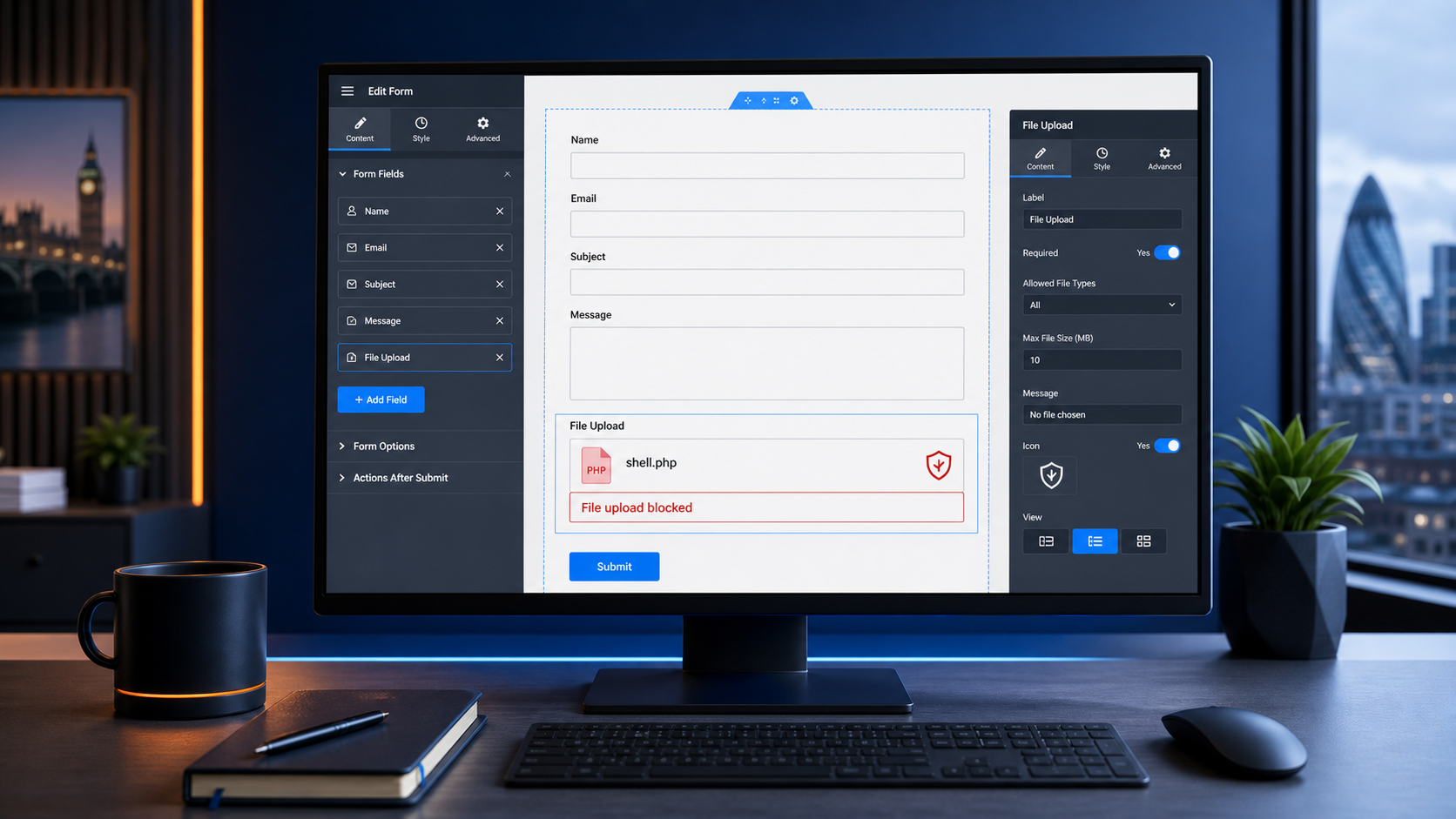
Wordfence reported a critical unauthenticated arbitrary file upload vulnerability in Elementor Pro on 20 August 2026, affecting versions up to and including 4.2.1.[4] The uncomfortable bit is the impact: Wordfence says the flaw could allow attackers to upload executable PHP files, which can lead to remote code execution and complete site takeover.[4]
That sounds dramatic, because it is. But the fix path is not dramatic at all. Elementor’s own changelog lists version 4.2.2 on 19 August 2026 with improved code security enforcement in the Form widget.[5]
This is the part business owners rarely see. A plugin vulnerability gets found, the vendor ships a fix, security companies write it up, and then the whole question becomes very boring: did the live website actually update?
For UK small businesses, that is where the risk usually sits. Not in some cinematic hacker moment. In a form plugin that nobody has reviewed for months, a file upload field that accepts too much, or a backup nobody has tested since the website launched.
Why this one matters
Elementor Pro is widely used, and Wordfence describes the affected plugin as having an estimated 6 million active installations.[4] The specific issue sits around file uploads in forms, which is exactly the kind of feature many ordinary business websites use for CVs, documents, support screenshots, quote requests and booking forms.[4]
File uploads are useful. They also deserve more care than a plain contact form, because you are asking the website to accept files from strangers.
That does not mean every Elementor Pro site was instantly compromised. It means any business using Elementor Pro forms should check three things quickly: the plugin version, the form fields, and the recovery plan if something has already gone wrong.
What to check this week
- Check whether the site uses Elementor Pro, then confirm the live version is 4.2.2 or newer. Do not rely on “auto-updates are probably on” as evidence.
- Review every form with a file upload field. Check the allowed file types, where uploads are stored, who can access them, and whether the form still needs uploads at all.
- Remove old form fields and unused plugins. A feature that nobody uses can still become a security problem.
- Check backups. The NCSC’s small organisation guidance points businesses toward backups, protected devices and accounts, and scam awareness; it is plain advice, but it is the stuff that decides whether an incident becomes a wobble or a week of pain.[2]
- Test recovery. A backup that has never been restored is more of a hope than a plan.
The BMT view
This is why website maintenance needs to be routine, slightly dull and properly owned.
Most businesses do not need a giant security programme for their website. They need someone to keep WordPress, plugins, backups, hosting and monitoring under control. They need a clean way to roll back when an update misbehaves. They need logs. They need to know who is responsible when a security fix lands on a Thursday afternoon.
The dangerous gap is often the space between “a patch exists” and “our live site is definitely patched”.
If your website brings in leads, bookings, payments or customer documents, treat it like operational infrastructure, not a brochure someone built once and forgot.
Practical takeaways
- Update Elementor Pro if it is installed, then verify the version on the live site.
- Audit forms that accept file uploads.
- Remove plugins and fields the site no longer needs.
- Keep backups separate from the hosting account.
- Test a restore before you need one.
- Give website maintenance a named owner, whether that is internal IT or a provider.
Need a second pair of eyes?
B&M Technologies can review your WordPress setup, plugin exposure, hosting security, backups and recovery process. No scare tactics, just a clear list of what is safe, what needs patching, and what would hurt if the site went down tomorrow.
Sources
[2] https://www.ncsc.gov.uk/collection/small-business-guide — NCSC Small Business Guide
[4] https://www.wordfence.com/blog/feed — Wordfence blog feed, 20 August 2026
[5] https://elementor.com/pro/changelog — Elementor Pro changelog