
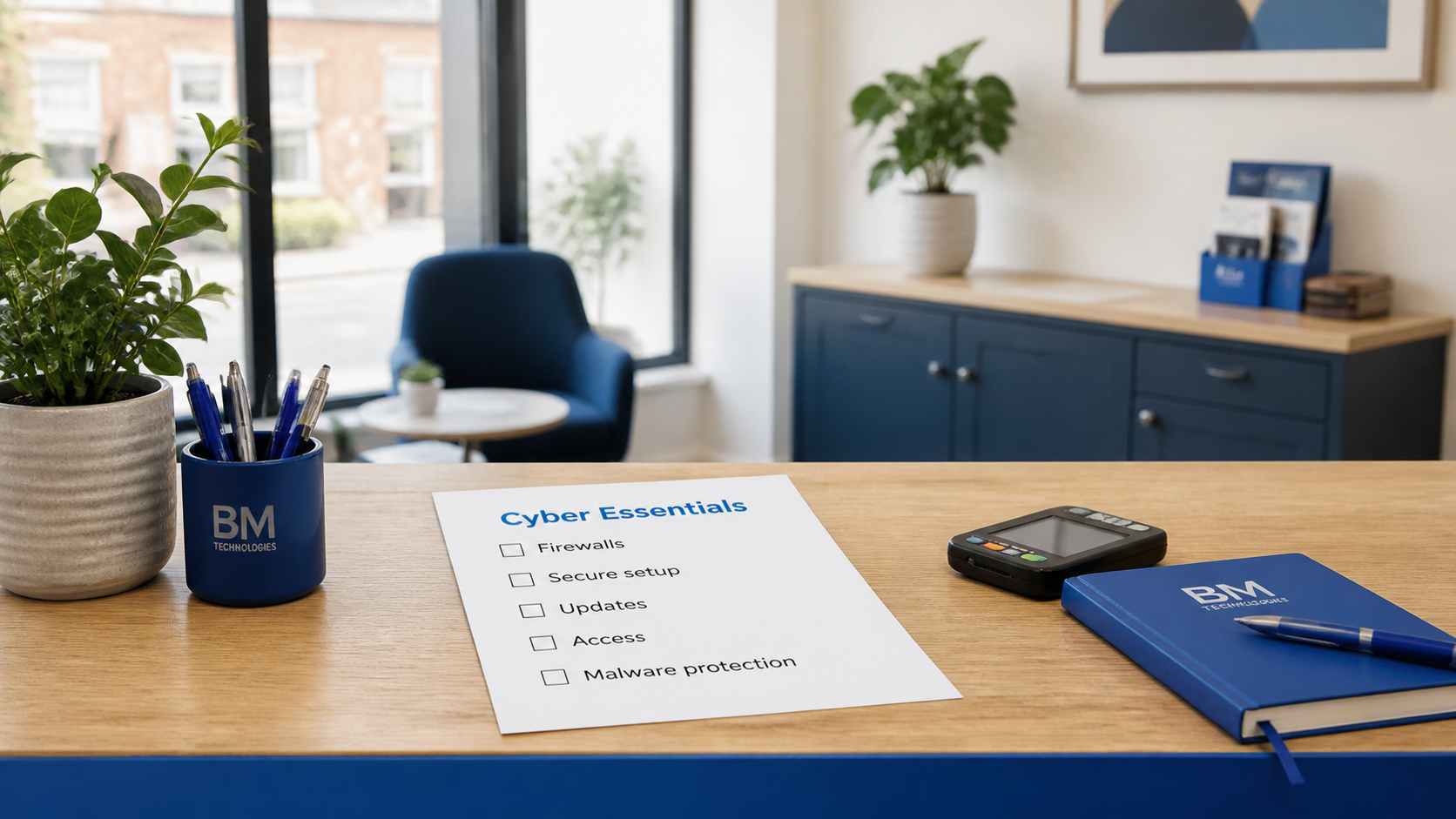
Short answer: if your business uses email, Microsoft 365, cloud files, online banking or a website, Cyber Essentials is worth taking seriously. You may not need the certificate tomorrow, but you do need the five controls behind it: firewalls, secure configuration, security update management, user access control and malware protection.[3]
The UK government's 2025/2026 Cyber Security Breaches Survey found that 43% of businesses reported a cyber security breach or attack in the previous 12 months, equal to about 612,000 UK businesses.[1] Phishing was still the most common type of attack, affecting 38% of businesses, so this is not just a problem for companies with servers or specialist software.[1]
Cyber Essentials is the UK Government recommended minimum standard for organisations of all sizes.[3] It is built around five technical controls: firewalls, secure configuration, security update management, user access control and malware protection.[3]
That sounds dry. It is. That is the point. Most small business cyber incidents do not start with a film-style hacker. They start with an old password, a missing update, an overpowered user account or a staff member clicking a convincing email.
When Cyber Essentials is worth it
You should look at Cyber Essentials if any of these are true:
- You handle customer, staff, financial or supplier data.
- You use Microsoft 365 or Google Workspace for email and files.
- You sell to larger organisations, local authorities, schools, charities or regulated clients.
- You want cyber insurance and need to show basic controls are in place.
- You have never had a proper review of admin accounts, MFA, updates and backups.
The NCSC says small organisations should focus on backups, protecting devices and accounts, and spotting scams.[2] It also says Cyber Essentials can help organisations protect against common cyber threats and demonstrate that they take cyber security seriously.[3] Cyber Essentials gives you a structured way to do that instead of hoping someone checked it at some point.
What you need before applying
Do not start with the form. Start with the gaps.
First, check multi-factor authentication. Microsoft says MFA adds a second verification method after the password, so a stolen password alone should not be enough to sign in.[4] In Microsoft 365, Security Defaults can require MFA registration, require MFA for administrator accounts, block legacy authentication protocols such as POP3 and IMAP4, and apply other baseline sign-in protections.[4]
Next, check who has admin rights. Most small businesses collect admin accounts over time: an old supplier, a departed staff member, a spare account nobody remembers. Cyber Essentials expects you to control who can access data and services, and what level of access they have.[3]
Then look at updates. Laptops, phones, WordPress plugins, routers and line-of-business apps all count. The control is simple: unsupported or unpatched software gives attackers a way in.
Finally, check backups and recovery. A backup you have never restored is a guess, not a recovery plan. Keep at least one backup away from the system it protects, and test whether you can restore the files people need to work.
Cyber Essentials or Cyber Essentials Plus?
Cyber Essentials is self-assessed. Cyber Essentials Plus adds independent technical checks.[3] For many small businesses, the basic certificate is the sensible first step. It forces the right questions and gives you something credible to show customers.
Cyber Essentials Plus makes sense if you handle sensitive data, work in supply chains where assurance matters, or want stronger proof that the controls work in practice.
What BMT would check first
If you asked us to get you ready, we would start with the practical stuff:
- Are all users protected by MFA, including directors and admins?
- Are old mailbox protocols disabled?
- Are admin accounts separate from everyday accounts?
- Are laptops encrypted, updated and protected?
- Are WordPress, plugins, hosting and DNS under proper maintenance?
- Are backups tested, not just configured?
- Are leavers removed from Microsoft 365, shared drives and third party tools?
None of this needs to be dramatic. It needs to be owned.
The blunt answer
You do not need Cyber Essentials because a badge looks nice on the footer of your website. You need it because the controls behind it reduce common, boring, expensive risks.
If a customer has asked for Cyber Essentials, treat that as the deadline. If nobody has asked yet, treat it as a useful health check before your business is forced to prove itself under pressure.
BMT can review your current setup, fix the gaps and guide you through certification without turning it into a month-long project.
Sources
[1] https://www.gov.uk/government/statistics/cyber-security-breaches-survey-20252026/cyber-security-breaches-survey-20252026 — Cyber security breaches survey 2025/2026 – GOV.UK
[2] https://www.ncsc.gov.uk/collection/small-business-guide — Small organisations guide to cyber security – NCSC
[3] https://www.ncsc.gov.uk/cyberessentials/overview — Cyber Essentials – NCSC
[4] https://learn.microsoft.com/en-us/microsoft-365/admin/security-and-compliance/multi-factor-authentication-microsoft-365?view=o365-worldwide — Multifactor authentication for Microsoft 365 – Microsoft Learn