
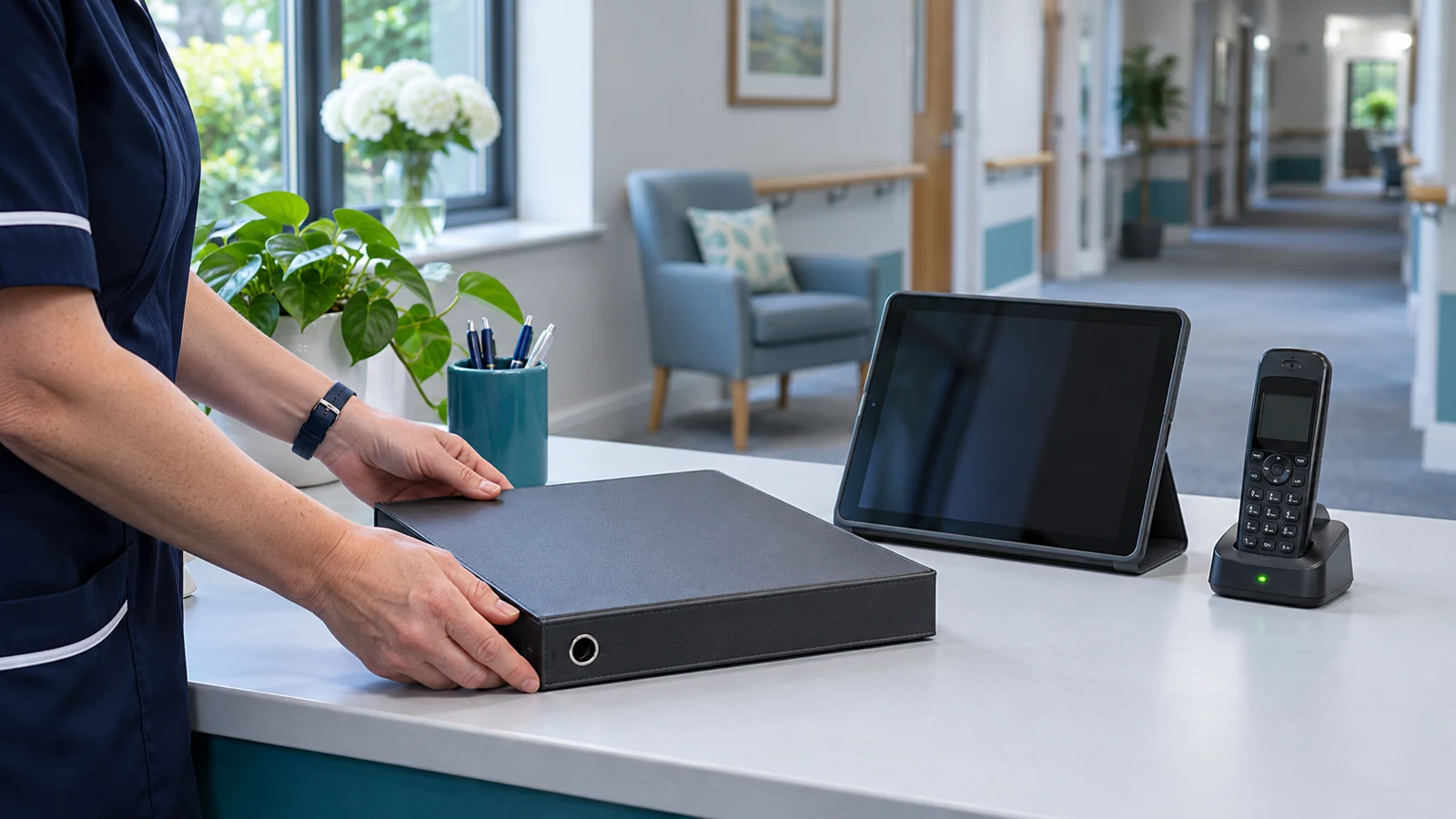
During a care home’s IT outage, agree who owns updates, how staff will reach that person and which approved channel remains usable. Start with the shift lead and registered manager, then follow the home’s agreed communication plan for others affected. Keep technical investigation with the relevant suppliers and care decisions with the people responsible for the service.
Digital Care Hub provides separate incident communication checklists for care homes and home care, designed to sit alongside a business continuity plan.[3] Use the residential version as a starting point, not a finished plan with your home’s name added. Our out-of-hours IT support guide covers buying technical cover; this article focuses on keeping people informed while a fault is unresolved.
Name an update owner before an incident
Ask the registered manager to assign responsibility for staff updates and external messages, with a deputy for absence. Agree who approves a message before it leaves the home. A supplier’s engineer can explain technical progress, but should not be left to decide what residents or families need to hear about the service.
Give that owner a clear route to the person coordinating the technical response. Ask suppliers to distinguish confirmed findings from possibilities, and record the time of each update. If the fault crosses broadband, network and care-software boundaries, agree who gathers the answers. Avoid making the shift team interpret several disconnected supplier messages before it can explain what is happening.
Keep contact routes outside the affected system
Digital Care Hub advises keeping the checklist, continuity plan and contact details accessible when digital systems are unavailable, for example in print or on a standalone computer.[3] Ask a colleague to locate the authorised copy without opening the usual email account or shared drive. Check that the instructions also work for someone covering a different shift.
Record the approved alternative contact method and where staff can find it. Have your IT provider explain whether it depends on the same broadband connection or power supply as the failed service. Keep sensitive contact information controlled and review who can access it. Do not improvise by sending resident information through a personal messaging account because the normal route is unavailable.
Tell each audience what it needs to know
Prepare a short message structure for staff: what is unavailable, which approved procedure to follow, who is coordinating the response and when the next update is due. Keep technical speculation out. If only part of the service is affected, describe that boundary rather than announcing that everything is down or reassuring people that everything else is safe without confirmation.
Ask the manager to decide which other audiences need an update and who will contact them through established procedures. Digital Care Hub’s checklist includes prompts on who to inform and an update table.[3] Adapt those prompts to the home. Keep decisions about regulatory reporting with the responsible lead and current applicable guidance, rather than treating a general communication template as a complete reporting decision.
Separate a progress update from a repair promise
Ask the technical coordinator for a plain account of what has been checked and what happens next. Where the cause or repair time remains unknown, say so. Do not turn an engineer’s next investigation step into a promise that the system will be restored by then. Have the message owner check wording before circulating it.
Set the next communication time separately from the expected repair time. An update can explain that work continues and identify the next contact even when there is no new diagnosis. Record what was sent, to whom and when. Keep that log accessible to the deputy so a change of shift does not restart the conversation or produce conflicting explanations.
Hand over the communication role explicitly
Before the update owner leaves, confirm who takes over, what has already been communicated and which questions remain unanswered. Include the next planned update and the supplier’s current reference. Ask the incoming owner to acknowledge the handover. Do not assume that copying someone into an unavailable mailbox transfers responsibility.
Agree who authorises the message that normal working can resume. A restored login screen alone should not become an instruction to abandon the home’s approved downtime procedure. Have the relevant service lead and suppliers confirm the agreed checks, then tell staff clearly what has changed. Keep any information-reconciliation work within the home’s approved process.
Test the messages at your next support review
Run a discussion exercise using a hypothetical care-system outage. Ask the shift lead to find the contact sheet and the deputy to draft an update. Keep live systems running. Digital Care Hub recommends testing continuity plans, then signing and dating them.[1]
Bring missing contacts and unclear approval routes to your next care-home IT support review with BMT. Agree who will correct each gap and when the team will check it again. Start with one usable communication route and a named owner, rather than another document nobody can find.
Sources
[1] Digital Care Hub: business continuity planning
[3] Digital Care Hub: cyber incident communication checklists