
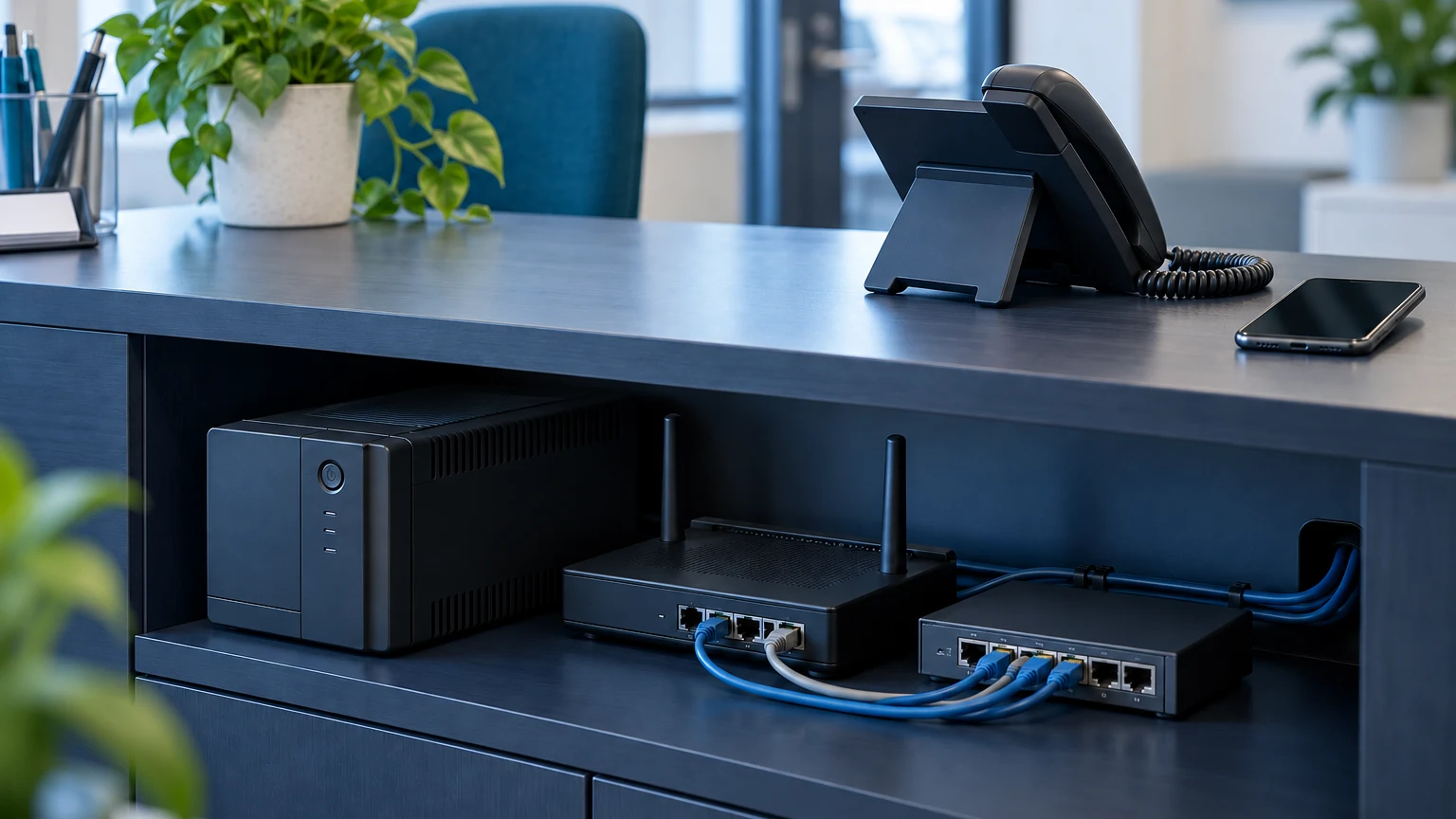
Do not assume your business VoIP phones will keep working when the office loses power. Government guidance explains that digital landlines need locally powered equipment and will not function during a power cut without backup power.[5] Ask your provider to confirm what your particular setup needs, including how staff would make urgent calls.
Prepare for a broadband outage separately. Agree where incoming calls should go, who will answer them and how staff will make outgoing calls. Before choosing a new phone service, or renewing an existing one, ask for a supervised demonstration of both failure scenarios. A working handset on installation day does not prove those arrangements.
Start with the whole equipment chain
Ask your installer to draw the route between the internet connection and the person answering calls. Have them identify the fibre termination equipment, router, network switches, wireless equipment and handsets used at your premises. Mark which devices need power and which the proposed battery backup actually supplies. Include reception and any shared phones away from the main office.
Request a written explanation of the intended backup runtime under your actual equipment load. Ask who checks the battery, when it needs replacing and what happens when its capacity runs out. Avoid buying a battery unit solely from a headline runtime: ask the installer to size it for the equipment you intend to keep running.
Give incoming calls somewhere else to go
Ask your provider whether it can redirect calls when your office equipment becomes unreachable. BT’s Cloud Voice documentation, for example, describes a “Call Forwarding Not Reachable” feature for extensions that fail to respond.[4] That is a product-specific example, not a promise that every VoIP package includes the same behaviour.
For your own service, request the destination, activation conditions and expected delay in writing. Decide whether calls should reach a duty mobile, another site or voicemail. Check that the person receiving them knows which business number was called and what to do next. Include opening hours so the fallback does not ring an unattended phone all evening.
Check the alternative connection in practice
If the proposal includes mobile broadband backup, ask for a demonstration from the places where staff will actually work. Request confirmation that the phone service supports the proposed connection and find out whether switching happens automatically. Ask about the mobile subscription, data allowance and any action staff must take when the primary connection fails.
For a phone app, test an ordinary incoming and outgoing call using mobile data with office Wi-Fi switched off. Check audio in both directions and the outgoing number shown to the recipient. Agree whose devices are authorised, how access is protected and how work calls will be handled when the usual person is absent.
Keep emergency calling separate
Ask the provider to explain emergency calling for desk phones, mobile apps and any backup arrangement. Request confirmation of the address registered against the service and the process for updating it when staff move sites. Ask specifically about remote workers rather than assuming the office arrangements cover everyone.
Do not make test calls to emergency services. Verify the configuration with your provider and give staff clear instructions for an emergency during an outage. Identify any alarms, lift phones or other specialist equipment separately, and have the responsible supplier confirm its requirements. Do not treat an ordinary voice-call test as approval for those systems.
Rehearse without disrupting the business
Arrange a controlled test with your IT and phone providers. Agree the scope, timing and a way to restore service before starting. Have the engineer simulate loss of the normal internet connection first, then assess the power-loss scenario safely. Do not pull building power or disconnect equipment that supports safety systems.
Record what an external caller hears, where the call arrives and whether staff can call back. Check voicemail and transfers as well as a single answered call. Write down any manual steps, name an owner for failures and repeat the relevant checks after corrections. Keep the results with the phone-system records for the next review.
Bring one outage scenario to your next review
Start with the question: if reception loses power now, who answers the next customer call? Bring your current phone and broadband details, the equipment list and any existing fallback instructions to the review. Ask the supplier to resolve the gaps before you approve extra hardware or another subscription.
BMT’s business phone systems page is a starting point for discussing your setup. Contact us with the outage scenario you want to cover. If you are also moving your existing number, use our separate number-transfer guide alongside the resilience checks.
Sources
[4] BT: call forwarding in Cloud Voice
[5] UK government: transition from analogue to digital landlines