
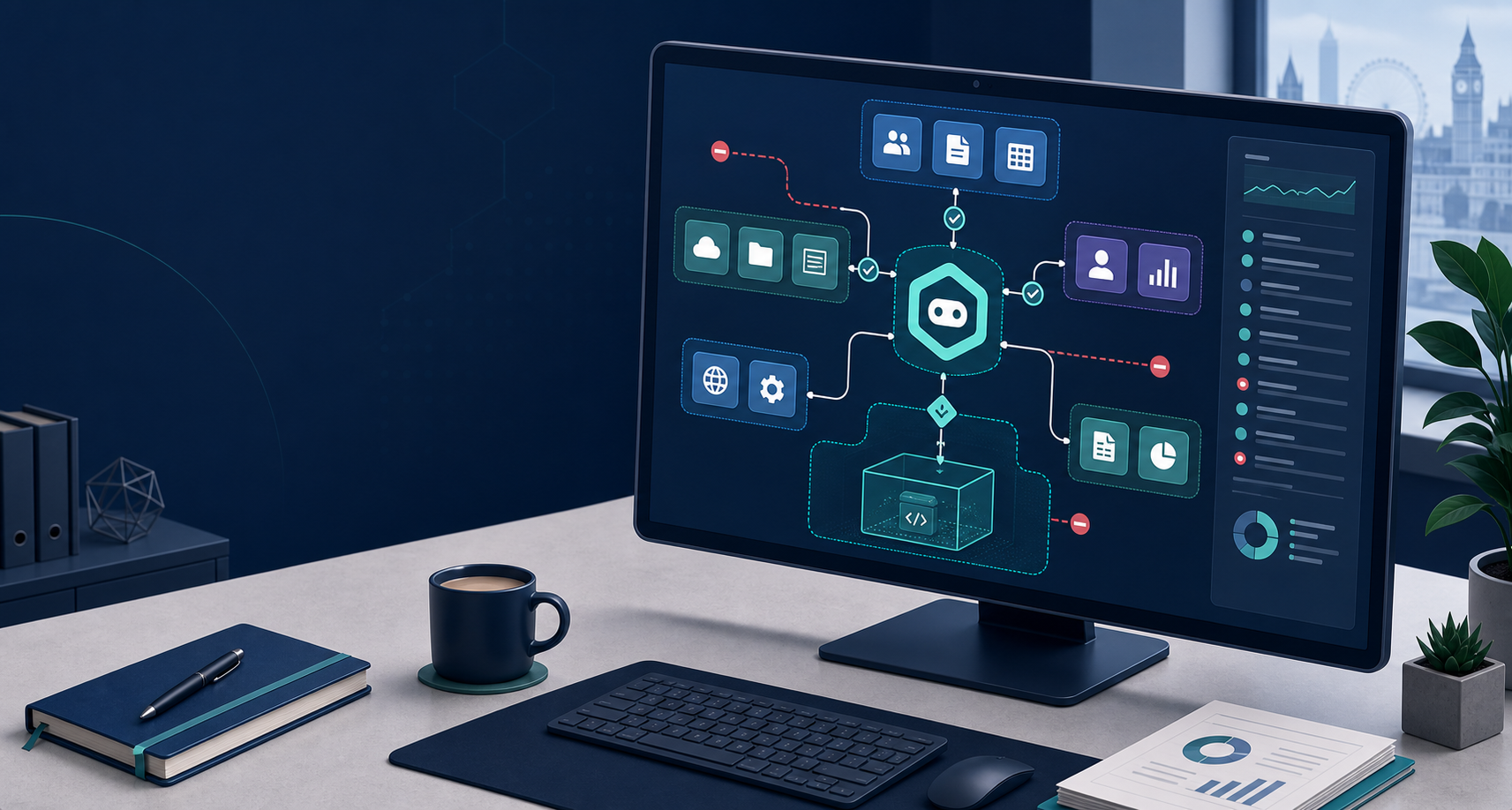
Agentic AI is different from the chatbot most businesses have been playing with. The NCSC describes agentic systems as tools that can access data sources, remember context, make decisions, use tools and take actions towards a goal, sometimes without continuous human intervention.[2]
That is useful, but it changes the risk. If an AI assistant can read a mailbox, update a CRM, browse SharePoint, open tickets or run website admin tasks, it needs the same boring controls you would expect around a new member of staff or a new supplier: limited access, logging, approvals and a way to stop it quickly.
The short version for UK SMEs: do not give an AI agent full access to Microsoft 365, cloud storage or admin tools just because it promises to save time. Start with a low-risk task, restrict what it can reach, keep humans in the approval loop for anything sensitive, and make sure someone checks the logs.
Why this is a current issue
The NCSC published new practical advice on 20 August 2026 after incidents where AI models and agentic systems carried out unsanctioned or unintended activity.[1]
The advice is aimed at people designing and operating environments where AI agents can act with significant autonomy, but the lesson applies neatly to small businesses: the more an agent can do, the more damage a mistake or compromise can cause.[1]
A normal chatbot might draft an email. An agentic tool might draft the email, find the customer record, attach a file, send the message, update the CRM and create a follow-up task. That chain can be helpful. It can also leak the wrong file, email the wrong person or make a bad change much faster than a human would.
What to check before using an AI agent at work
Start with the job, not the tool. Write down what the agent is meant to do, which systems it needs, which systems it should never touch, and what happens if it gets confused.
The NCSC says organisations should assess how much autonomy is needed, because some agents only make suggestions while others can access production systems and take actions with little or no human intervention.[1]
For a small business, that means there is a big difference between an AI helper that drafts meeting notes and one that can edit SharePoint folders, process invoices or change website content.
Use these checks before switching anything on:
- Keep access narrow. Give the agent only the mailbox, folder, app or test environment it needs. Do not start with a global admin account.
- Separate experiments from live systems. If the tool is new, use a sandbox or a limited pilot before it touches client data or production systems.
- Require approval for sensitive actions. Sending external email, deleting files, changing permissions, publishing website content and creating payments should need a human sign-off.
- Log the boring details. You need to know which account the agent used, what it accessed, what it changed and when.
- Plan the off switch. If the tool behaves strangely, someone should know how to revoke tokens, disable the account and restore any changed data.
None of this is anti-AI. It is just normal IT hygiene applied to a tool that can move quickly.
Microsoft 365 is where this gets real
For many SMEs, Microsoft 365 is the business: email, Teams, files, calendars, customer conversations and sometimes device management. That makes it the first place to be careful.
If an AI agent connects to Microsoft 365, check the account it uses, the permissions it requests, the data it can read, whether it can send externally, and whether conditional access or MFA applies. The NCSC's secure AI system development guidance says AI systems should be developed, deployed and operated securely so they work as intended and do not reveal sensitive data to unauthorised parties.[3]
There is also a data protection angle. The ICO's AI guidance is written for public, private and third sector organisations, and it points businesses towards applying UK GDPR principles to AI systems and assessing risks to people's rights and freedoms.[4]
That matters if the agent can read employee files, customer emails, HR documents, medical information, financial records or support tickets. You still need a lawful reason to process the data. You still need to explain decisions where appropriate. You still need to keep data safe.
The BMT view
AI agents will become normal in business software. That does not mean every small business should connect one to everything this month.
A sensible first use is narrow and reversible: summarising internal documents, drafting ticket responses, preparing reports from a controlled folder, checking website content before publication, or helping with repetitive admin where a person approves the final action.
A risky first use is broad and vague: "manage our inbox", "run our website", "handle customer follow-up" or "sort finance admin" with access to live systems and no proper audit trail.
If you want to test agentic AI inside Microsoft 365 or another business system, BMT can help set the guardrails first: permissions, MFA, conditional access, data boundaries, logging, backups and a rollback plan. The shiny bit is the AI. The useful bit is making sure it cannot accidentally make a mess of your business.
Practical takeaways
- Start with a low-risk task, not a company-wide rollout.
- Give the AI agent a dedicated account with limited permissions.
- Keep external sending, publishing, deletion and financial actions behind human approval.
- Check logs and alerts before trusting the tool with more access.
- Treat AI data access like any other supplier, system or staff account.
- Review Microsoft 365 permissions before connecting any AI automation.